Mapping Variables
Mapping variables enable dynamic data handling and transformation within mappers using a string substitution mechanism.
Variables can be referenced using the plus (+) button on a mapping field or placeholders in the format {{group:value}},
where the group defines the data source or context, and the value specifies the key or path to the desired value.
The variable groups from which data can be retrieved are: Context, Environment, Properties, Endpoint, System, and Message.
Variables can be used in any text field within a mapping even when the plus (+) button is not explicitly in the field.
Quick Reference
| Group | Example | Description |
|---|---|---|
| Endpoint | {{endpoint:variable}} | Retrieves configuration values from an endpoint context. |
| Environment | {{env:variable}} | Returns the value of an environment variable. |
| Message | {{msg:data/order/id}} | Extracts data from a message payload using its path. |
| Properties | {{app:propertyName}} | Retrieves values from application or system properties. |
| System | {{system:utcDateTime}} | Retrieves runtime system values such as timestamps. |
| Context | {{ctx:mapper}} | Provides information about the current plugin, mapper, or endpoint. |
| Shared | {{shared:variable}} | Retrieves shared variables stored in MongoDB memory via SharedMapping. |
Variable Groups
Below is a detailed list of supported variable groups and their behaviors.
Endpoint
Retrieves configuration values from the endpoint context defined in the plugin that contains the mapper.
If a specific endpoint name is defined, it retrieves configuration values for that endpoint.
Selecting Endpoint from the variable group displays the available fields in that endpoint.
Basic notation:
{{endpoint:variable}}
Fetches the value of a property from the endpoint currently handling the message.
Advanced notation:
{{endpoint:profile_name:variable}}
Useful when the same property name exists in multiple endpoint definitions (e.g., test vs. production URLs).
This format allows you to explicitly reference the desired endpoint.
If no profile_name is provided, the system returns the value from the first matching profile it finds.
Examples:
{{endpoint:branch/property}}
{{endpoint:list/0/property}}
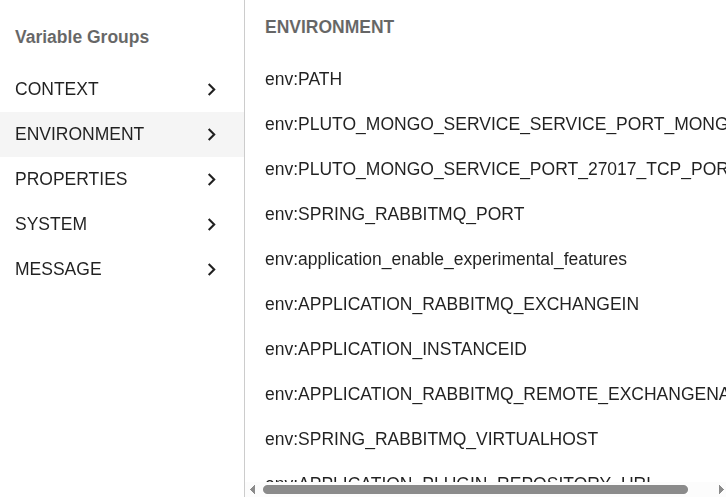
Environment
Returns the value of an environment variable from the runtime system.
Notation:
{{env:variable}}
Example:
{{env:JAVA_HOME}}
Message
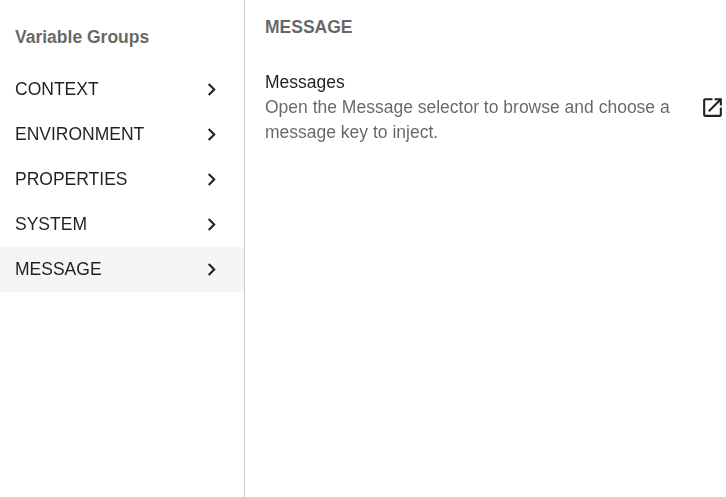
Extracts values from the incoming message payload using the specified path.
To select a message field, there must be messages in the system. Select a message containing the desired field to access it.
If there are no messages in the system or the selected message doesn’t include the desired field, use the advanced notation.
Example:
{{msg:data/order/id}}
Properties
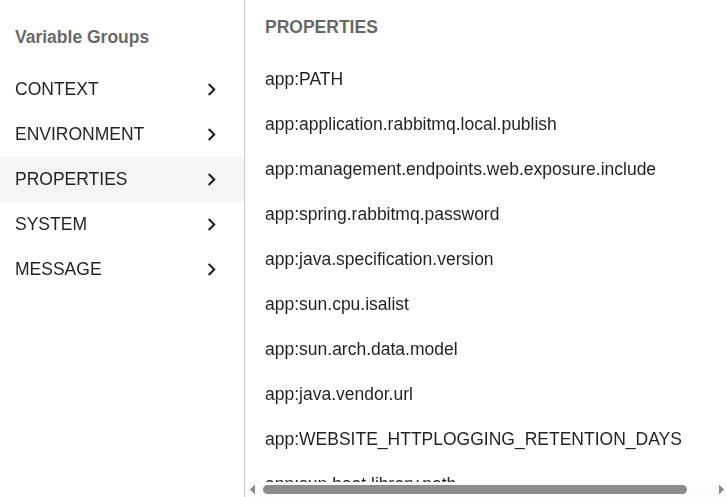
Retrieves values from the system properties or the 1Gateway application.properties file.
Notation:
{{app:propertyName}}
Example:
{{app:application.instance-name}}
System
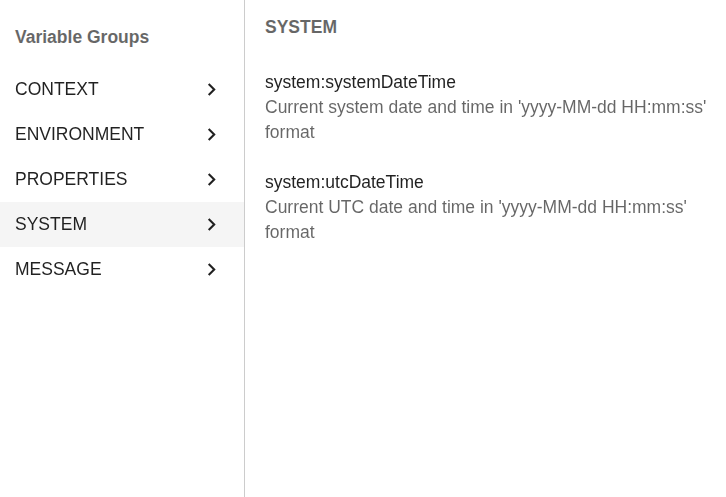
Retrieves runtime system values.
Notation:
{{system:property}}
Supported properties:
{{system:systemDateTime}}   → Local system date and time
{{system:utcDateTime}}      → Coordinated Universal Time (UTC)
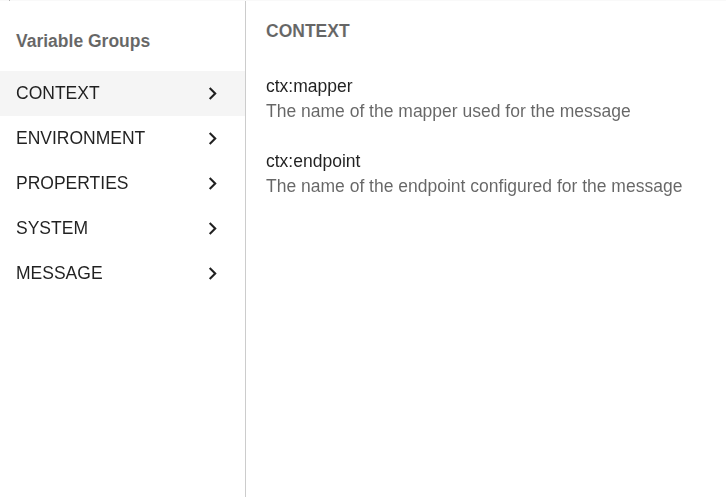
Context
Accesses contextual information about the current operation (in relation to the plugin currently processing the message).
Notation:
{{ctx:parameter}}
Supported properties:
{{ctx:endpoint}}   → Current endpoint name
{{ctx:plugin}}     → Current plugin name
{{ctx:mapper}}     → Currently executing mapper name
Shared Variables
Can only be accessed using advanced notation.
Notation:
{{shared:variable}}
Accesses shared variables stored in the MongoDB memory collection via SharedMapping.
These values are global and can be reused across different mappings and endpoints.
Ensure the variable has been previously stored before attempting retrieval.