Move Plugin Configuration Between 1Gateway Instances
You can move your plugin configuration from one 1Gateway instance to another by downloading the plugin configuration and uploading it directly into the new instance.
Follow the steps below:
-
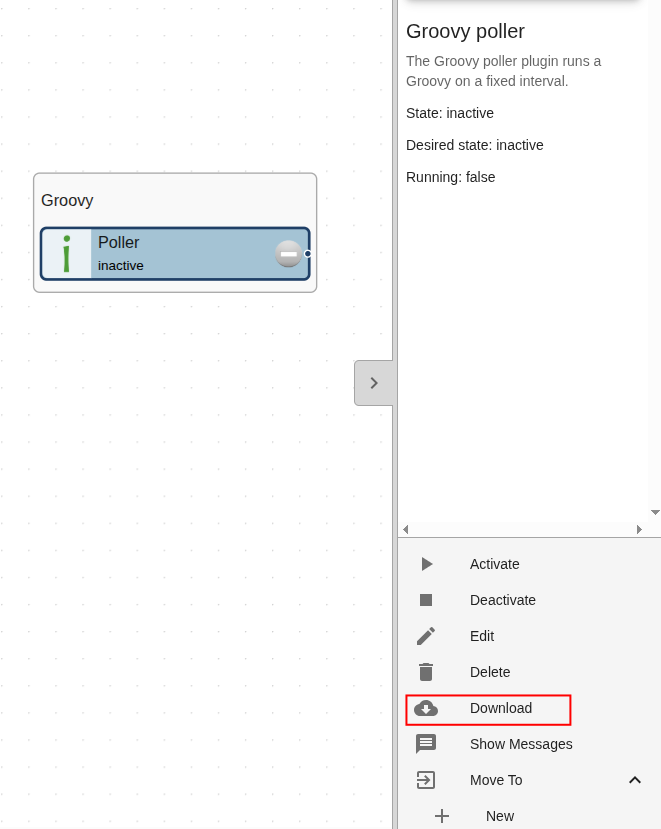
Click on the desired plugin you want to move — a right-hand menu should appear.
-
In the right-hand menu, click Download. The plugin configuration file will automatically download, as shown in the image below:
-
Drag and drop the downloaded file into your other 1Gateway instance.
info
You can also use the methods described in the Install Files guide to upload your configuration file.