Parse field as XML string
Mapping XML Attributes and Elements
To clarify the distinction between XML attributes and elements in the message mapper, follow these conventions:
- XML Attributes: Prefix the key name with an @ (at) sign.
- XML Elements: Key names are defined without an @ (at) sign.
- XML Elements with Text Content: If an XML element has both attributes and a text value, use a subkey named "TEXT_CONTENT" to indicate the text value.
Configuration
| Attribute | Required | Description |
|---|---|---|
| From | Yes | Defines the field name before mapping. |
| To | Yes | Defines the field name after mapping. |
| Precedence | Yes | Determines the order in which this mapping is applied relative to others. |
| Function type | Yes | Defines the Function type of mapping. Needs to be "String functions". |
| Function | Yes | Defines the type of mapping. Needs to be "Parse field as XML string". |
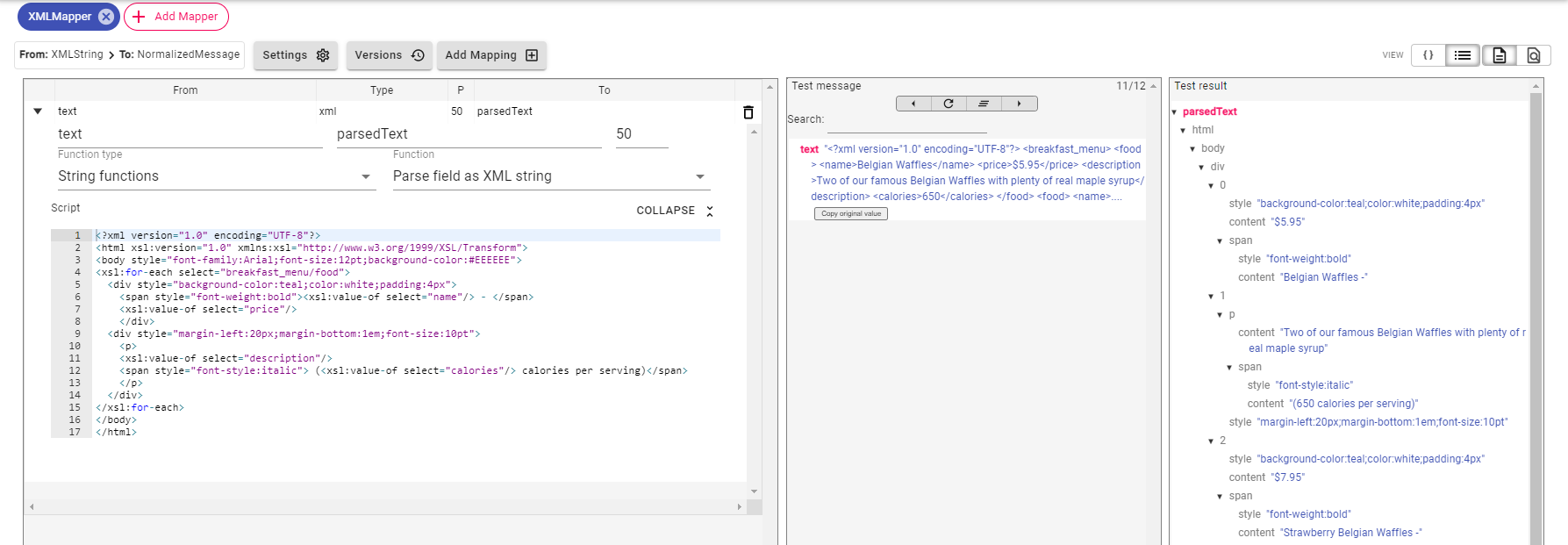
| Script | No | Optional XSLT to interpret the XML string. |
Example
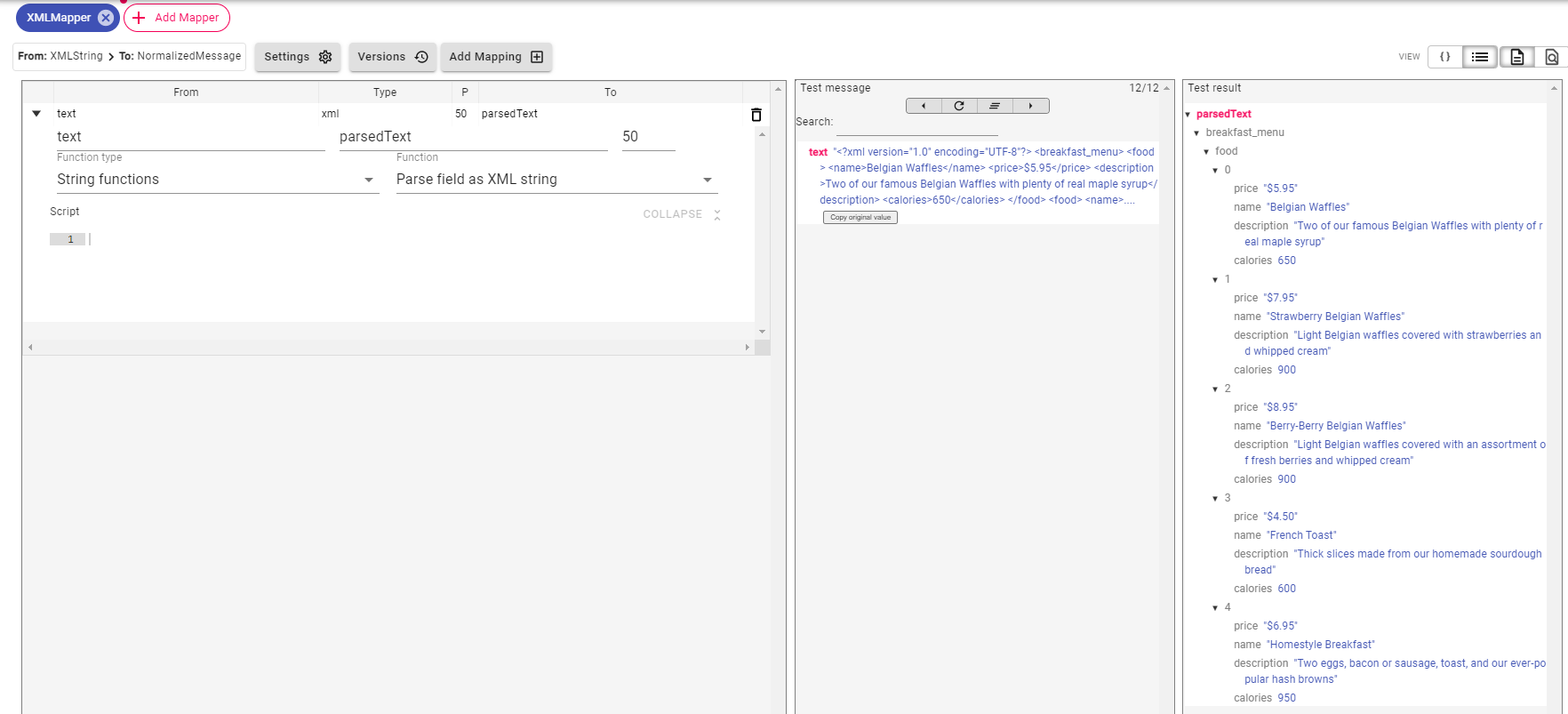
Mapper Configuration:
The following example shows how to parse an XML string into message fields.
In the following example, we use XSLT to transform the same XML into HTML, before it is displayed in a browser.