Change Password
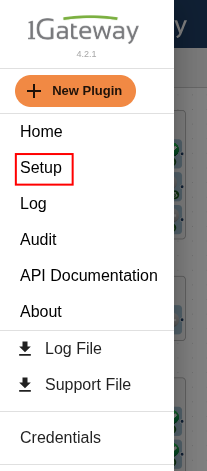
To change your 1Gateway password, click on the hamburger button, on the top-left corner of the home screen and then select Setup.
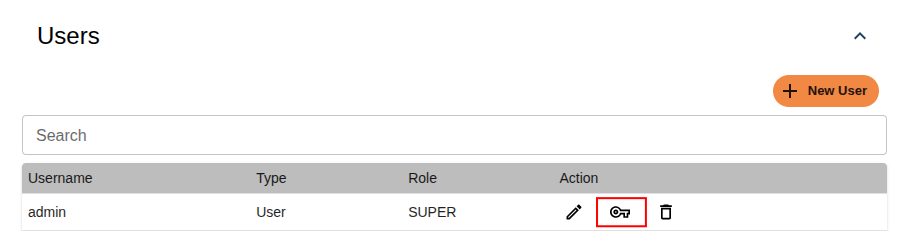
In Setup, scroll down to the Users section.
Find the row for the user admin, and click the key icon to change the password, as shown below:
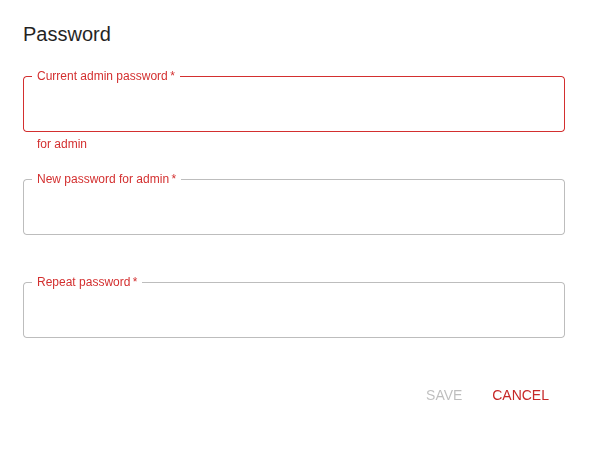
A pop-up will appear asking for your current password (default is admin).
Enter the current password, then type your new password and confirm it.